Remove Shell Openings (Restore)
This window is used to remove openings from shells. You can remove an opening by clicking on one of its edges. You can also remove all openings from selected shells by clicking the Accept button.
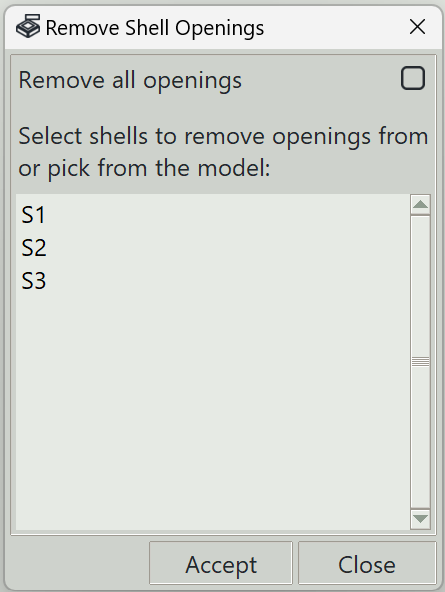
1. Remove all openings
When this option is checked, all openings on the selected shell will be removed.
2. Shells list
A list of all shells in the model is shown. From this list, you can select the shells from which you want to remove openings, then click the Accept button.
3. Accept button
Removes openings from the selected shells.
4. Close button
Closes the window and ends the shell opening removal command.