Shells
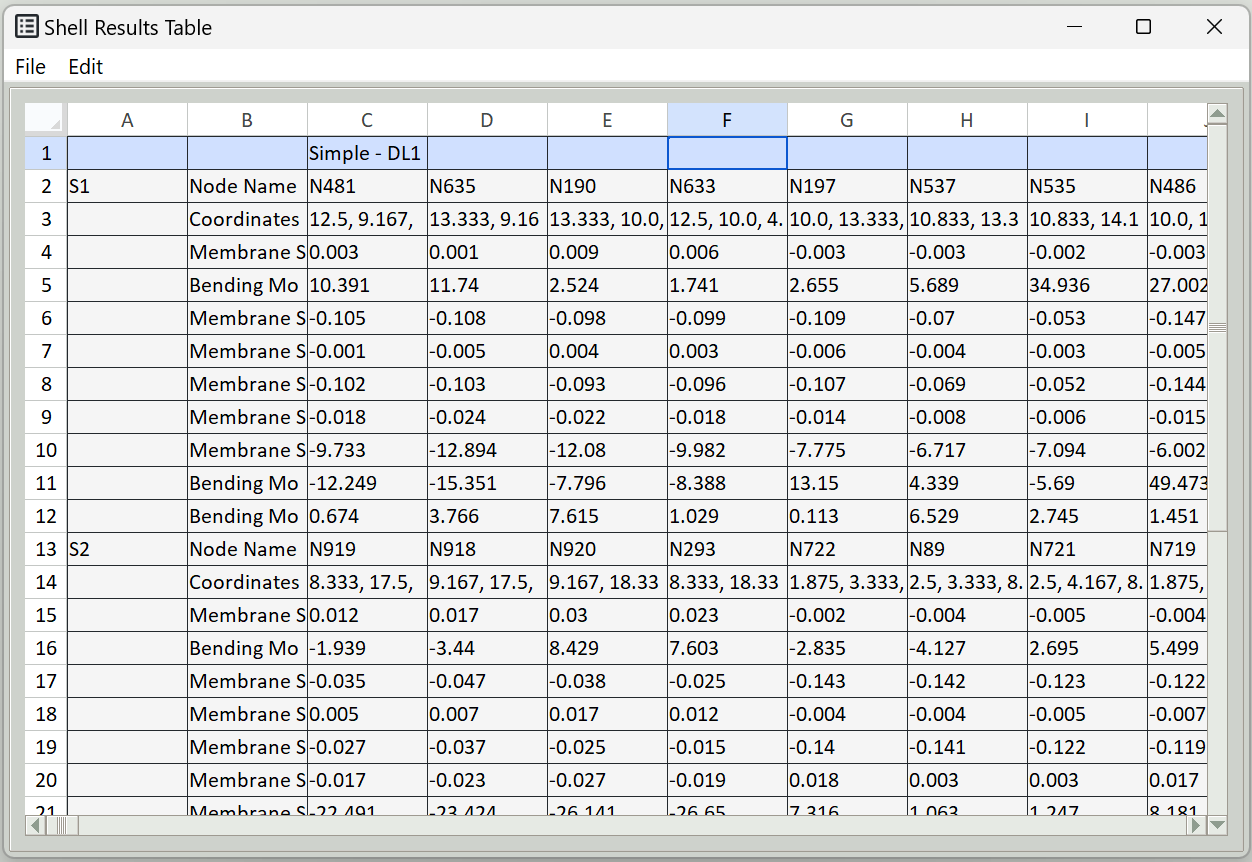
This tab is used to extract results related to shells and present them in a table. The table can be exported to a spreadsheet. Using this tab, you can extract shell internal forces.
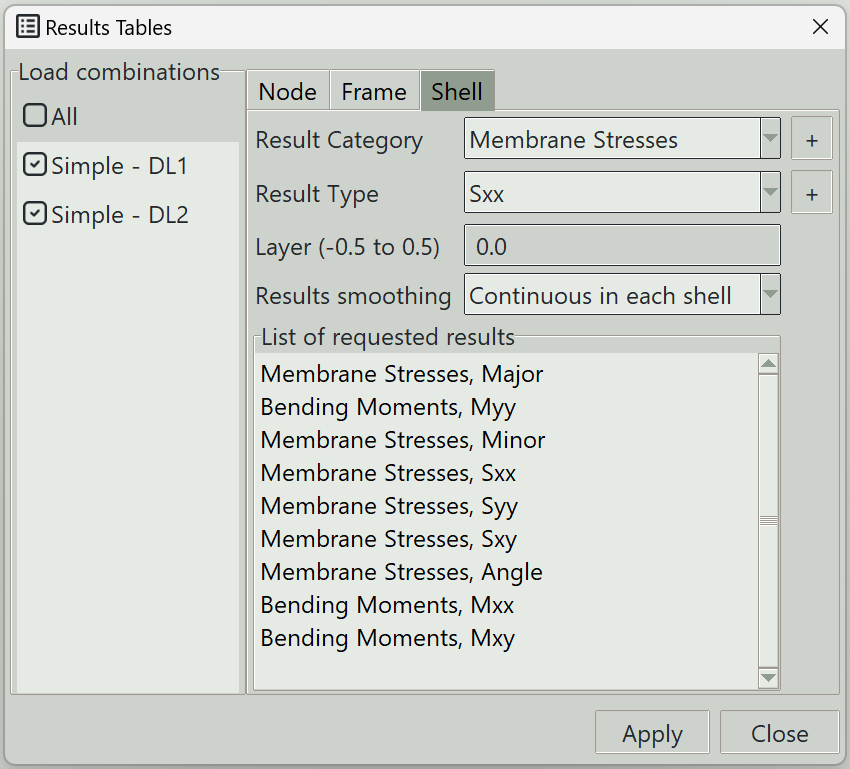
1. Load combinations
Select the load combinations that you want to extract results for. The All button allows you select all the load combinations.
2. Result category
Selects the result category. The various result categories are described here. The + button on the left selects all the result types under this category and adds them to the list of requested results.
3. Result category
Selects the result type. The various result typles are described here. The + button on the left adds the selected result type and adds it to the list of requested results.
4. Layer (-0.5 to 0.5)
The layer at which the stress is required, ranging from -0.5 (bottom surface) to 0.5 (top surface)
5. Results smoothing
Due to numerical approximation, results from one finite element may not exactly match those from an adjacent element. Some averaging may therefore be required to produce smoother and more representative results. You can choose from the following smoothing options:
- None: No smoothing is performed. Raw element results are displayed.
- Continuous in each shell: Result values along shared edges are averaged between adjacent finite elements belonging to the same shell.
- Continuous in model: Result values along shared edges are averaged between adjacent finite elements throughout the model, even when they belong to different shells, provided they are connected. Use this option with care. Different shells may have different local axis orientations, meaning the results may not represent the same physical directions and may therefore not be suitable for averaging.
6. Apply button
Extracts the selected results. If some elements are selected, results are extracted only for those elements.
7. Close button
Closes the window.