Split Frame
This window is used to split or divide frames. Frames can be split into a required number of segments or into segments of a specified size. You can start splitting by selecting frames from the list and clicking the Accept button, or by simply picking frames directly from the model. Some properties and assignments from the original frame are transferred to the new frames, except for those that depend on the length of the frame.
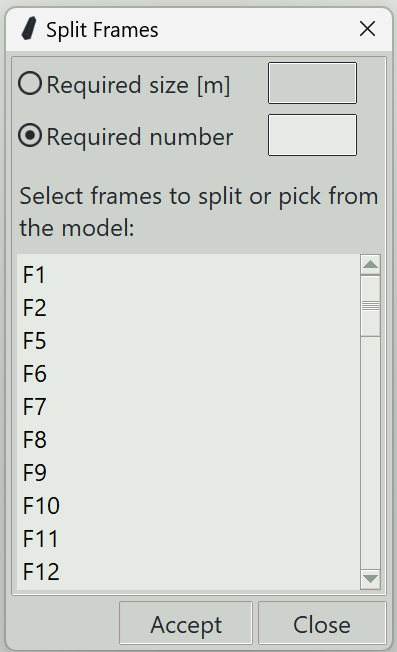
1. Required size
The target size of each segment after splitting. The term "target" is used because the last segment may be smaller if the required size is not a perfect multiple of the frame length. The end closest to the clicked point on the frame is considered the first end.
2. Required number
When specified, the frame will be divided equally into the given number of segments.
3. Accept button
Splits the selected frames.
4. Close button
Closes the window and ends the frame splitting command.