Trim Frame
This window is used to trim frames. To perform a trim operation, you need to select a boundary object to trim the frame against. The boundary object can be another frame or a shell. If a frame is used as the boundary object, the program treats it as an infinite line.
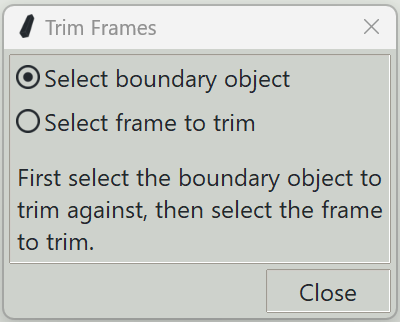
1. Select boundary object
Toggling this button on allows you to pick a boundary object. Once selected, the program will automatically switch to selecting the frame to be trimmed.
2. Select frame to trim
Toggling this button on allows you to pick the frame to trim. Click on the portion of the frame that you want to remove.
3. Close button
Closes the window and ends the frame trimming command.