Move
This dialog is used to move frames or shells. Moving is achieved by picking two points which determine the vector and magnitude of translation. More parameters can be specified to fine control the process. Moving can also be achieved by entering the required parameters and clicking the Accept button.
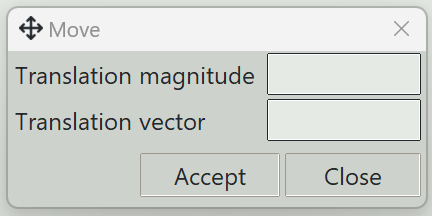
1. Translation magnitude
A value specifying the amount of translation from the original position to the new position. If unspecified, the magnitude of the translation vector will be used.
2. Translation vector
The i, j, k components defining a non-zero vector. If the translation magnitude is specified, the magnitude of this vector is ignored.
3. Accept button
Starts moving the selected objects using the entered parameters.
4. Close button
Closes this dialog and exits the move command.