Design Checks
Use this window to run design checks for shells, frames, and nodes. Once the process is complete, the design status of each element is displayed. If an element does not have a design script assigned to it, it will remain unchecked. The same applies if an error occurs while running the design check. You can view the error or any logged information by selecting an element and clicking the Log button.
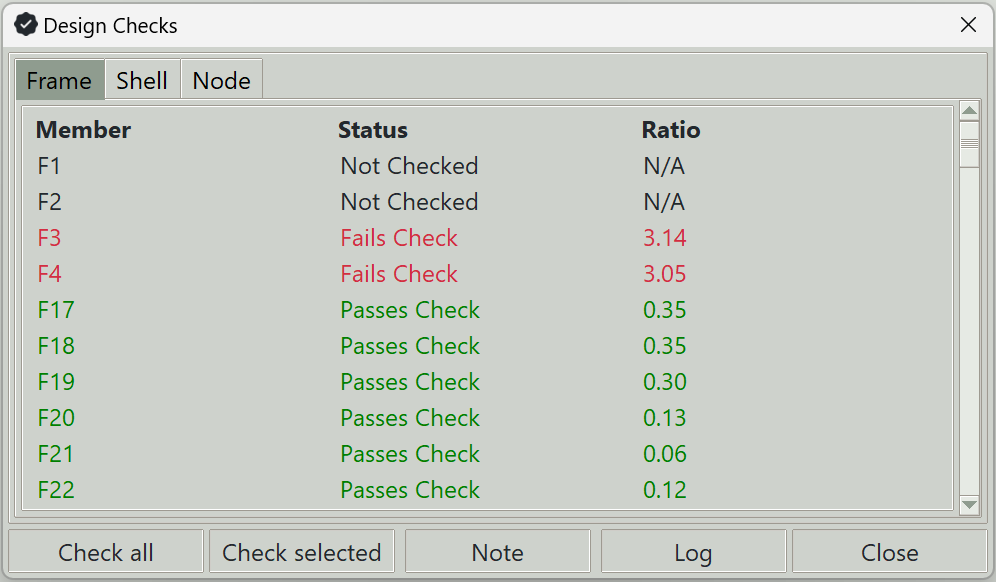
1. Check all button
Runs design checks for all elements in the active tab.
2. Check selected button
Runs design checks only for the selected elements in the active tab.
3. Note button
Displays the design notes for the selected elements in the active tab.
4. Log button
Shows the log of the design process for the selected elements in the active tab.
5. Close button
Closes this window.