Frame Properties
This window displays some of the properties and assignments of the selected frames. These properties can be updated directly from this window. It is the primary method for updating properties for multiple frames at the same time. Details of each property shown here are covered elsewhere in this manual.
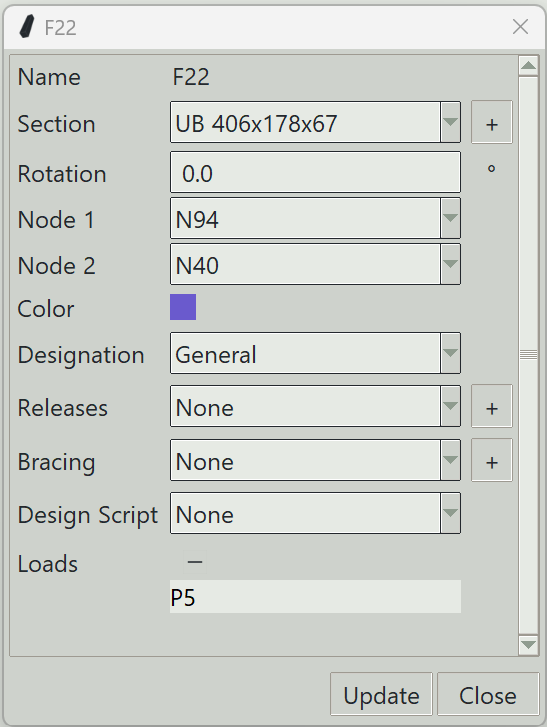
1. Update button
Updates the properties of the selected frames.
2. Close button
Closes the window and ends the frame properties command.